





Your website may look professional…
Your design may be beautiful…
Your content may be perfect…
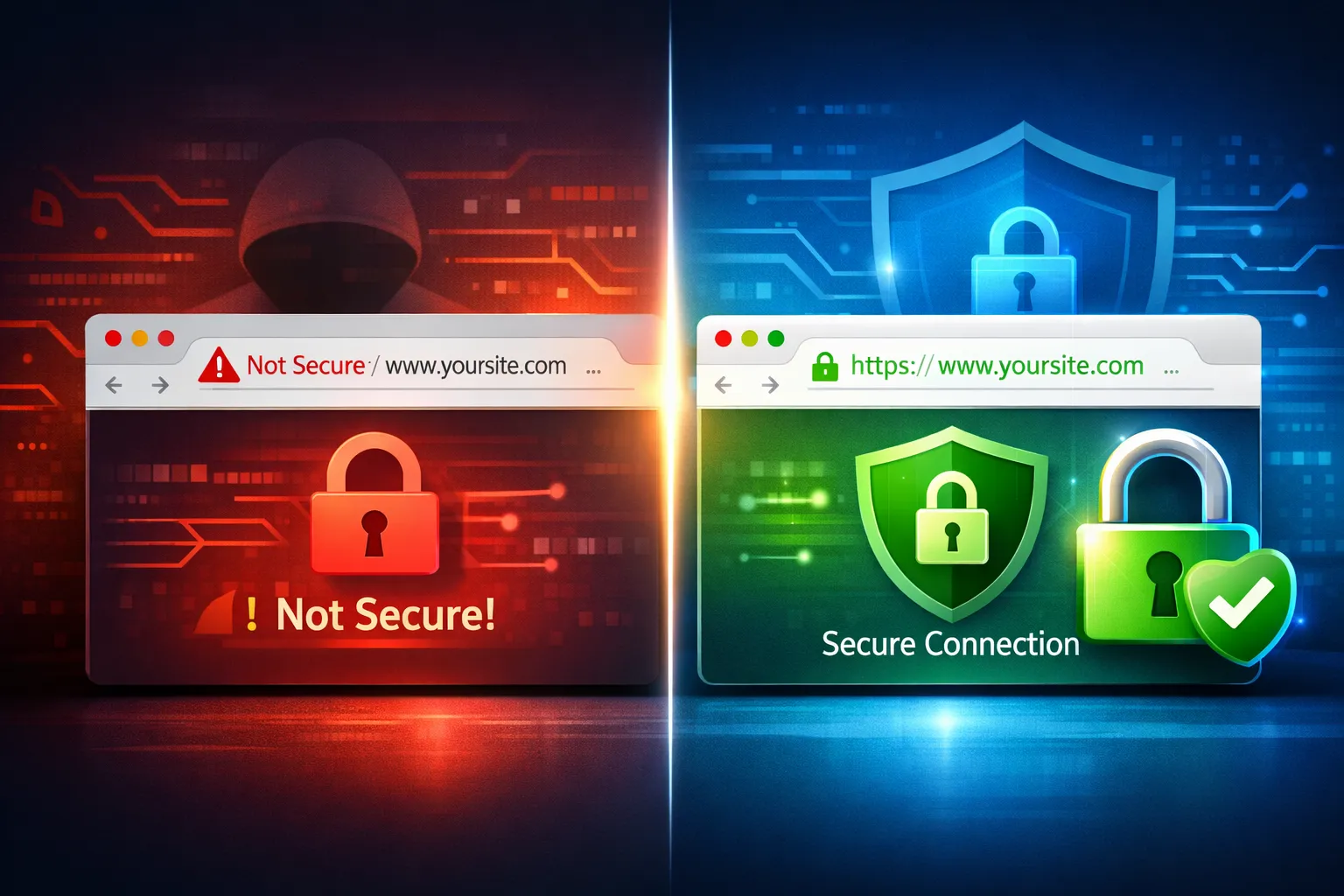
But if your site has No SSL Certificate (HTTPS issues), then your visitors may see a terrifying warning like:
⚠️ “This site is not secure.”
And in seconds, they leave.
A missing SSL certificate is one of the fastest ways to lose trust, traffic, and sales — even if everything else on your website is working fine.
Let’s break down why SSL matters, what happens when you don’t have it, and how you can fix it quickly.
✅ What Is an SSL Certificate?
An SSL Certificate is what enables your website to run on:
🔒 HTTPS instead of HTTP
It encrypts the connection between your visitor’s browser and your website.
That means:
- Personal data stays protected
- Payments are secure
- Login information is safe
- Visitors trust your website instantly
Without SSL, your website becomes vulnerable — and Google treats it as unsafe.
🚨 Why No SSL Certificate Makes Your Website Unsafe
If your website has No SSL certificate (HTTPS issues), it can cause serious damage in multiple ways:
🔥 1. Visitors See “Not Secure” Warning
Modern browsers like Chrome display a warning immediately.
That message alone can destroy credibility.
Most users will leave instantly.
🔥 2. Your Website Becomes Easy to Hack
Without HTTPS encryption, attackers can intercept:
- Contact form submissions
- Login credentials
- Customer information
- Payment data
Your site becomes a target.
🔥 3. Google Rankings Drop (SEO Damage)
Google confirmed HTTPS is a ranking factor.
No SSL = Lower rankings = Less traffic.
If you care about SEO, SSL is non-negotiable.
🔥 4. Online Payments Won’t Work Properly
If you’re running:
- WooCommerce
- Shopify integrations
- Stripe or PayPal
You must have SSL.
Without it, checkout pages may break or be blocked.
🔥 5. Customers Lose Trust Immediately
Trust is everything online.
A single security warning can make your business look unprofessional — even if you’re legitimate.
⚠️ Common Signs of HTTPS Issues
Not sure if your website has SSL problems? Watch for these signs:
- Website shows http:// instead of https://
- Browser displays Not Secure
- Mixed content warnings
- SSL certificate expired
- Redirect loops after installation
- HTTPS works on some pages but not all
These issues must be fixed quickly.
✅ How to Fix No SSL Certificate (HTTPS Issues) Fast
Here are the most effective solutions:
Step 1: Install an SSL Certificate
Most hosting providers offer free SSL through Let’s Encrypt.
You can install it from your hosting panel (cPanel, Plesk, etc.)
Step 2: Force HTTPS Redirect
After SSL installation, your site must automatically redirect visitors from HTTP → HTTPS.
This can be done via:
- .htaccess rules
- Hosting settings
- WordPress plugins
Step 3: Fix Mixed Content Errors
Sometimes images, scripts, or styles still load via HTTP.
You need to update all URLs to HTTPS.
Step 4: Update WordPress Settings
In WordPress, ensure your site URL is correct:
- WordPress Address: https://yourdomain.com
- Site Address: https://yourdomain.com
Step 5: Renew & Monitor SSL Regularly
SSL certificates expire.
Regular monitoring prevents future downtime or security warnings.
🚀 Why You Should Fix SSL Issues Immediately
Delaying SSL fixes can lead to:
❌ Lost customers
❌ Lower Google rankings
❌ Website hacks
❌ Payment failures
❌ Brand reputation damage
Your website should be a trusted business asset — not a security risk.
💼 Need Help Fixing SSL & HTTPS Issues? (Fast Support)
If you’re struggling with No SSL certificate (HTTPS issues), don’t worry — I can fix it quickly for you.
At FreelancingSolution.com, I provide:
✅ SSL installation & configuration
✅ Full HTTPS migration
✅ Mixed content cleanup
✅ WordPress security fixes
✅ SEO-safe redirect setup
✅ Fast & professional support
📩 Contact today and make your website secure in hours — not days.
✅ Final Thoughts
A missing SSL certificate may seem like a small technical issue…
But it’s actually one of the biggest trust-breakers online.
Fixing HTTPS issues is one of the fastest ways to improve:
- Security
- SEO rankings
- Customer confidence
- Sales & conversions
Don’t let a simple SSL problem destroy your website’s growth.